
Yono 777 Not Working? Install and Login Fixes That Work
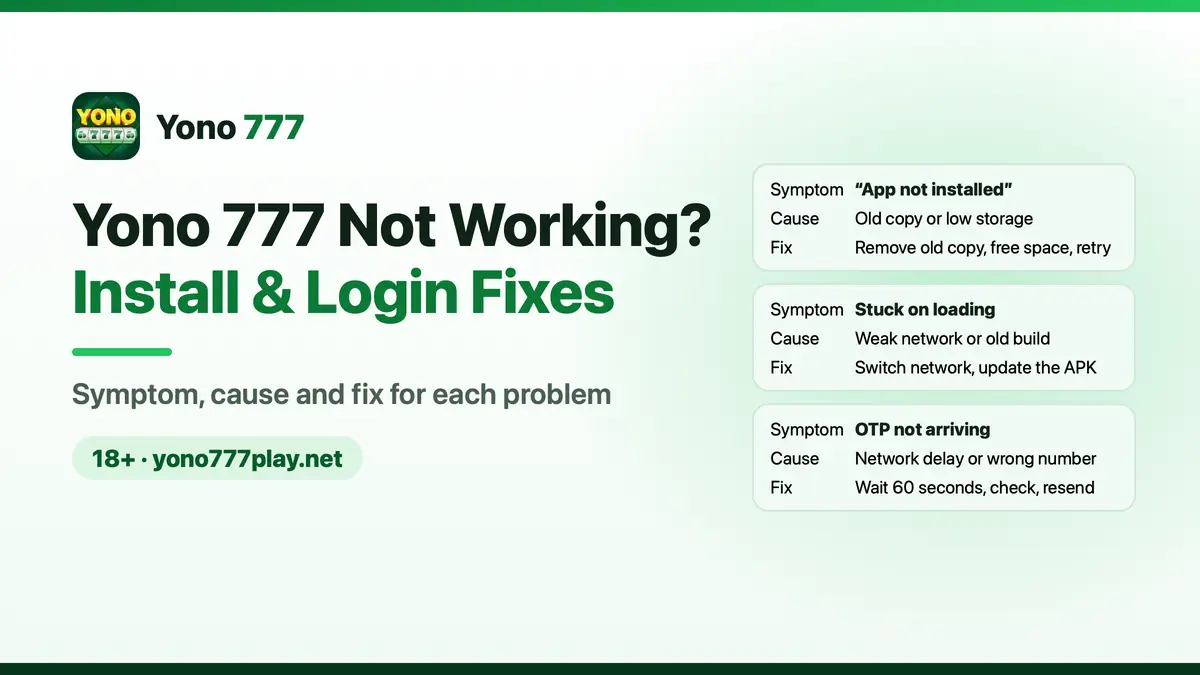
When Yono 777 is not working, the cause is usually simple: an old copy on the phone, low storage, a broken download, a weak network or an outdated build. Find your symptom below, follow the 2 to 4 steps, and most problems are solved in minutes. Login problems have their own section near the end.
Key takeaways
- Most Yono 777 install errors come from an old copy, low storage or a broken download.
- Most loading and login problems are fixed by updating the APK, switching networks or resetting the password.
- If nothing works, use the Online Customer Service inside the app. This site cannot fix accounts.
Why is Yono 777 not working?
Yono 777 stops working for a handful of reasons: the APK did not install properly, the phone is short of storage or memory, the internet connection is weak, the app build is out of date, or the login details are wrong. Match your symptom to the table below; each row has a short fix that needs no extra app.
| Symptom | Likely cause | Fix |
|---|---|---|
| "App not installed" | Old copy or low storage | Steps |
| "Problem parsing the package" | Broken download | Steps |
| Download will not start | Browser blocking | Steps |
| Crashes on open | Old build or full memory | Steps |
| Stuck on loading | Network or cache | Steps |
| Network error | Connection or VPN | Steps |
| Wrong password | Typo or old password | Steps |
| Verification code will not load | Slow connection | Steps |
| OTP not received | SMS delay or wrong number | Steps |
| Logged out after update | Session cleared | Steps |
Yono 777 install problems
"App not installed"
- Uninstall any older Yono 777 copy: Settings → Apps → Yono 777 → Uninstall.
- Free at least 500 MB of storage.
- Download the APK again from the Yono 777 APK download page and install.
"There was a problem parsing the package"
- Delete the downloaded file from Files → Downloads.
- Switch to a stable Wi-Fi network.
- Download again and wait until it finishes before opening it.
Download will not start
- Turn off Data Saver or Lite mode in Chrome.
- If Chrome asks whether to keep the file, tap Download anyway only for the file from this site.
- Check that your phone storage is not full.
Yono 777 opening and loading problems
Crashes as soon as it opens
- Restart the phone to free memory.
- Install the latest APK over the old one.
- Settings → Apps → Yono 777 → Storage → Clear cache (not Clear data).
Stuck on the loading screen
- Switch between Wi-Fi and mobile data.
- Close the app fully and open it again.
- Update to the latest build; old builds can loop forever.
"Network error"
- Open any website to confirm the internet works.
- Turn off any VPN or ad-blocking app.
- Try again after a few minutes in case the server is busy.
Yono 777 login problem fixes
Wrong password
- Check the mobile number for a missing digit.
- Type the password slowly, watching capitals.
- Use the reset option in the Yono 777 password reset steps.
Verification code will not load
- Wait for a stronger connection; the code image needs data to load.
- Tap the code to refresh it, if the app allows.
- Update the app if the code never appears.
OTP not received
- Wait 60 seconds before asking again.
- Check that the number is right and its SIM is in the phone.
- Turn off SMS-blocking apps, then resend once.
Logged out after an update
- Log in again with the same number and password.
- If it fails, reset the password.
- Make sure you updated the same app, not a second copy.
When should I contact Yono 777 support?
Contact support when the steps above do not work, when a payment or withdrawal looks wrong, or when your account is locked. Use the Online Customer Service link inside the Yono 777 app. Real support never asks for your password or OTP, and this site cannot see or fix any account.

For general questions about this guide, use the contact page.
Yono 777 not working: FAQ
Why does Yono 777 say "App not installed"?
Usually an older copy with a different signature is on the phone, or storage is low. Uninstall the old copy, free space and install again.
Is Yono 777 down right now?
This site cannot see the operator's servers. If the app shows a network error on both Wi-Fi and mobile data, wait a few minutes and try again.
Will clearing data delete my Yono 777 account?
No. Your account is stored on the server. Clearing data only logs you out; log in again with your number and password.
Why does Yono 777 work on Wi-Fi but not mobile data?
Your mobile network may be weak or blocking the connection. Check signal, turn off data saver, or use Wi-Fi.
Can an old Yono 777 version fix my problem?
No. Old builds usually stop logging in. Update to the latest APK instead.
Can yono777play.net fix my account?
No. This site is a guide and has no access to accounts. Use the Online Customer Service inside the app.
The short version
Install errors: remove the old copy, free space, download again. Loading problems: update, switch networks, clear the cache. Login problems: check the number, reset the password, wait for the OTP. If all else fails, contact support inside the app. Back to Yono 777 home, or take a break with responsible gaming.


